
OpenClaw Skill Management: Workspace vs. Global Skills
OpenClaw is a powerful AI assistant framework whose skill system allows users to extend the assistant’s capabilities. Skills can be deployed in two primary paths: ~/.openclaw/workspace/skills/ and ~/.openclaw/skills/. Understanding the distinction between these two paths is crucial for effective skill management.
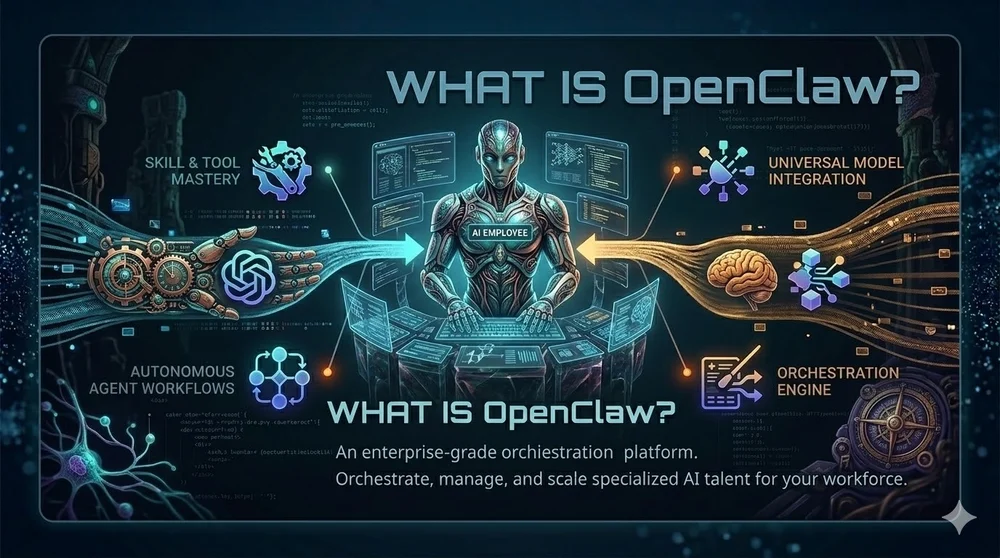
OpenClaw began life as Clawdbot in November 2025, morphed into Moltbot after a naming clash, and finally rebranded to its current form. Within three months it amassed more than 200 000 GitHub stars and attracted a passionate community. Its creator, Peter Steinberger, joined OpenAI, and the project moved to an open‑source foundation. The secret to this meteoric rise? OpenClaw is not another LLM; it’s a local orchestration layer that gives existing models eyes, ears, and hands.
OpenClaw is a powerful AI assistant framework whose extensible skill system allows users to enhance the assistant's capabilities. Skills can be deployed in two primary locations: ~/.openclaw/workspace/skills/ and ~/.openclaw/skills/. Understanding the distinction between these two paths is crucial for effective skill management and workflow optimization.
1. Path Distinctions
A. Workspace Skills
- Path:
~/.openclaw/workspace/skills/ - Function: Skills that are specific to the current workspace or agent.
- Priority: Highest. Overrides any skill with the same name from other paths.
- Use Cases:
- Developing and testing new skills in an isolated environment.
- Creating project-specific or private skills.
- Prototyping temporary skills or experimenting with rapid iterations.
B. Global Skills
- Path:
~/.openclaw/skills/ - Function: Skills that are shared and accessible by all OpenClaw agents on the machine.
- Priority: Medium. Lower than workspace skills but higher than bundled skills.
- Use Cases:
- Storing stable, production-ready, and frequently used skills.
- Sharing standardized skills within a team.
- Deploying system-level tools (e.g.,
self-improving-agent). - Skills installed via ClawHub are typically placed here.
2. Priority Loading Rules
OpenClaw loads skills by following a strict priority order. In case of a name conflict, the skill from the highest priority location takes precedence:
- Workspace Skills (
<workspace>/skills) — Highest Priority - Global Skills (
~/.openclaw/skills) — Medium Priority - Bundled Skills (Pre-installed with OpenClaw) — Lowest Priority
Note: If a skill with the same name exists in multiple paths, the system will exclusively execute the one with the highest priority (i.e., the Workspace version).
3. Decision Guide: Which Path to Use?
To help you decide, follow this simple decision tree:
| Scenario | Recommended Path | Reason |
|---|---|---|
| Need to rapidly iterate and develop new skills | Workspace | Isolated environment; avoids impacting the main system; easier debugging |
| Skills useful only for a specific project | Workspace | Maintains project independence; prevents polluting the global environment |
| Need to override the behavior of an existing global skill | Workspace | Leverages high priority for temporary patching or feature replacement |
| Skills are stable and needed by all agents | Global | Install once, use everywhere; reduces redundant configuration |
| Team collaboration requires sharing skills | Global | Unifies team tooling, standardizes the collaborative environment |
| Installing system-level tools or ClawHub plugins | Global | Aligns with system administration standards; easier to maintain |
4. Practical Example: xxxx-autobot
Consider you are developing a skill named xxxx-autobot:
- Development Phase:
Place the skill folder in
~/.openclaw/workspace/skills/xxxx-autobot/.- Only the agent in the current workspace will use this latest development version, preventing interference with other agents.
- Production Phase:
Once the skill is thoroughly tested and stable, move it to
~/.openclaw/skills/xxxx-autobot/.- Now, all agents on the machine can access and benefit from this skill.
- Conflict Resolution: If you have version 1.0 in the global path and are testing version 2.0 in the workspace path, the system will automatically prioritize and run version 2.0, allowing for safe testing.
5. Summary
Properly organizing your OpenClaw skills is fundamental to building an efficient and maintainable AI workflow:
- Leverage Workspace Skills for agile development, experimentation, and project-specific needs.
- Utilize Global Skills for reusability, standardization, and sharing stable functionalities across your team or system.
By mastering these two distinct paths, you can significantly improve productivity and ensure a clean, scalable, and conflict-free skill ecosystem.
Related Articles
AI Coding Agent Ecosystem: A Practical Comparison of OpenClaw, Claude Code, Cursor, and Alternatives
A practical comparison of the leading AI coding agents in 2026, covering architecture, SWE-bench scores, pricing, and ideal use cases for each platform.

OpenClaw, Manus AI, and Claude Code – A Technical Decision Maker‘s Guide
In early 2026, AI agents have become core to enterprise digital transformation. But with options like OpenClaw (GUI automation), Manus AI (cloud orchestration), and Claude Code (developer copilot), how do you choose? This guide provides a systematic comparison and recommendations for eight key business scenarios, helping technical leaders avoid costly mistakes.
Claude vs GPT in 2026 - The AI Coding Assistant Battle Intensifies
As Anthropic's Claude Opus 4.6 challenges OpenAI's GPT-5.4 in coding benchmarks, the AI coding assistant market has become the most competitive segment in the AI industry. We analyze the technical and strategic differences.