
Building AI-Powered Search: Vector Databases and Semantic Search Implementation
A practical guide to implementing semantic search using vector databases, covering embedding generation, similarity search, and production deployment considerations.

Semantic search represents a significant advancement over traditional keyword-based search, enabling systems to understand meaning rather than just matching text. This article provides a comprehensive guide to building AI-powered search systems using vector databases. We cover embedding generation, indexing strategies, similarity metrics, and production deployment considerations for developers looking to implement semantic search in their applications.
Introduction
Traditional keyword search works by matching exact terms or their variants. While effective for many use cases, it struggles with synonyms, semantically related content, and natural language queries. Semantic search addresses these limitations by representing content as numerical vectors that capture meaning.
This approach has become foundational to modern AI applications, from RAG (Retrieval Augmented Generation) systems to intelligent document search. Understanding how to implement these systems is essential for developers building AI-powered applications.
Understanding Vector Representations
What are Embeddings?
Embeddings represent text as dense numerical vectors in a high-dimensional space:
- Dense vectors: Mostly non-zero values
- Fixed dimensions: Typically 384 to 4096 dimensions
- Semantic meaning: Similar content has similar vectors
Embedding Models
Several models are available for generating embeddings:
| Model | Dimensions | Strengths | Use Cases |
|---|---|---|---|
| text-embedding-ada-002 | 1536 | Balanced | General purpose |
| text-embedding-3-small | 1536 | Fast, cheap | High volume |
| text-embedding-3-large | 3072 | High quality | Precision needs |
| Cohere-embed | 1024 | Multilingual | Non-English content |
Generating Embeddings
Basic embedding generation involves:
# Example embedding generation
response = client.embeddings.create(
    input="Your text here",
    model="text-embedding-ada-002"
)
vector = response.data[0].embedding
Vector Databases
Popular Options
Several vector databases are available:
| Database | Type | Key Features |
|---|---|---|
| Pinecone | Managed | Fully managed, scalable |
| Weaviate | Open source | Graph-like, flexible |
| Milvus | Open source | High performance |
| Chroma | Open source | Simple, Python-focused |
| Pgvector | Extension | PostgreSQL-based |
| Qdrant | Open source | Rust-based, fast |
Choosing a Database
Consider these factors when selecting:
- Scale: How much data will you store?
- Management: Self-hosted or managed?
- Latency requirements: How fast must queries return?
- Budget: Free tier sufficient or need enterprise?
- Infrastructure: Existing tech stack integration?
Implementation Guide
Step 1: Data Preparation
Preparing content for search:
- Chunk content: Break documents into searchable units
- Clean text: Remove irrelevant formatting
- Store metadata: Enable filtering and context
- Create unique IDs: Track sources
Step 2: Embedding Generation
Processing content into vectors:
def generate_embeddings(texts, batch_size=100):
    for i in range(0, len(texts), batch_size):
        batch = texts[i:i+batch_size]
        response = client.embeddings.create(
            input=batch,
            model="text-embedding-ada-002"
        )
        yield from [item.embedding for item in response.data]
Step 3: Indexing
Storing vectors for efficient search:
# Example Pinecone indexing
index.upsert(
    vectors=[
        {
            "id": "doc1",
            "values": embedding_vector,
            "metadata": {"source": "document", "title": "Example"}
        }
    ]
)
Step 4: Query Processing
Converting user queries to vectors:
def search(query_text):
    # Convert query to vector
    query_embedding = client.embeddings.create(
        input=query_text,
        model="text-embedding-ada-002"
    ).data[0].embedding

    # Search vector database
    results = index.query(
        vector=query_embedding,
        top_k=10,
        include_metadata=True
    )
    return results
Similarity Metrics
Common Metrics
Vector databases support various similarity measures:
| Metric | Description | Best For |
|---|---|---|
| Cosine similarity | Angle between vectors | Text matching |
| Euclidean distance | Straight-line distance | General purpose |
| Dot product | Raw vector product | Unnormalized vectors |
Choosing Metrics
Select based on your embedding model:
- Normalized embeddings: Cosine and dot product equivalent
- Raw embeddings: Consider Euclidean for some cases
- Domain-specific: Test with your data
Search Optimization
Hybrid Search
Combining keyword and semantic search:
- Keyword search: BM25 or similar
- Semantic search: Vector similarity
- Combine results: Weighted combination
Re-ranking
Improving result quality with re-ranking:
# Re-ranking with cross-encoder
def rerank(query, candidates):
    inputs = [(query, doc) for doc in candidates]
    scores = cross_encoder.predict(inputs)
    return sorted(zip(candidates, scores), key=lambda x: x[1], reverse=True)
Filtering
Adding metadata filtering:
# Filtered search
results = index.query(
    vector=query_embedding,
    top_k=10,
    filter={"category": {"$eq": "documentation"}}
)
Performance Considerations
Indexing Speed
| Data Size | Approach | Considerations |
|---|---|---|
| <10K | Batch uploads | Simple processing |
| 10K-1M | Parallel processing | Distributed indexing |
| >1M | Distributed setup | Partition strategy |
Query Latency
Typical latencies:
| Query Type | Latency | Optimization |
|---|---|---|
| Simple | 10-50ms | Caching |
| Complex | 50-200ms | Index optimization |
| Filtered | 20-100ms | Metadata indexing |
Cost Optimization
Reducing costs involves:
- Batch processing: Process more at once
- Embedding model selection: Smaller models when possible
- Caching: Cache frequent queries
- Filtering: Reduce search scope
Production Deployment
Architecture Considerations
Key production requirements:
- Scalability: Handle growing data
- Availability: Redundant systems
- Monitoring: Track performance
- Backups: Data recovery capability
Handling Updates
Managing changing content:
- Incremental updates: Add new content regularly
- Version tracking: Maintain history
- Deletion handling: Remove outdated content
- Re-indexing: Periodic full refreshes
Security Considerations
Protecting your search system:
- Access controls: Limit who can access
- Data encryption: Encrypt at rest
- Audit logging: Track access
- API security: Protect endpoints
Conclusion
Building AI-powered search with vector databases represents a significant capability enhancement for applications. The key to successful implementation lies in understanding the components: embedding generation, vector storage, and similarity search.
Key takeaways:
- Choose appropriate embedding models: Match to your use case
- Select suitable vector database: Consider scale and management needs
- Implement hybrid search: Combine with keyword search for best results
- Optimize for performance: Balance speed, accuracy, and cost
- Plan for production: Consider scaling, monitoring, and security
As semantic search continues to mature, it will become an increasingly essential component of AI applications. The ability to understand meaning rather than just matching keywords opens possibilities that were previously impossible with traditional search approaches.
Related Articles
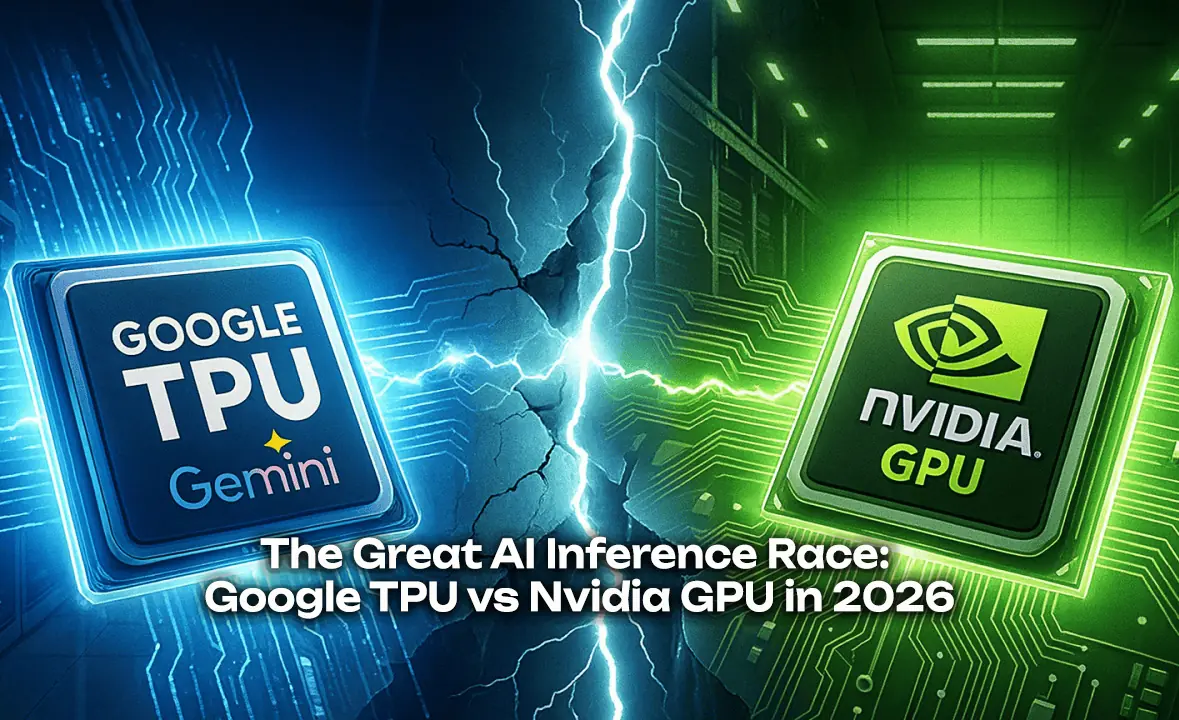
The Great AI Inference Race: Google TPU vs Nvidia GPU in 2026
An analysis of the competition between Google's Tensor Processing Units and Nvidia's graphics processors for AI inference workloads, examining performance, economics, and market dynamics.
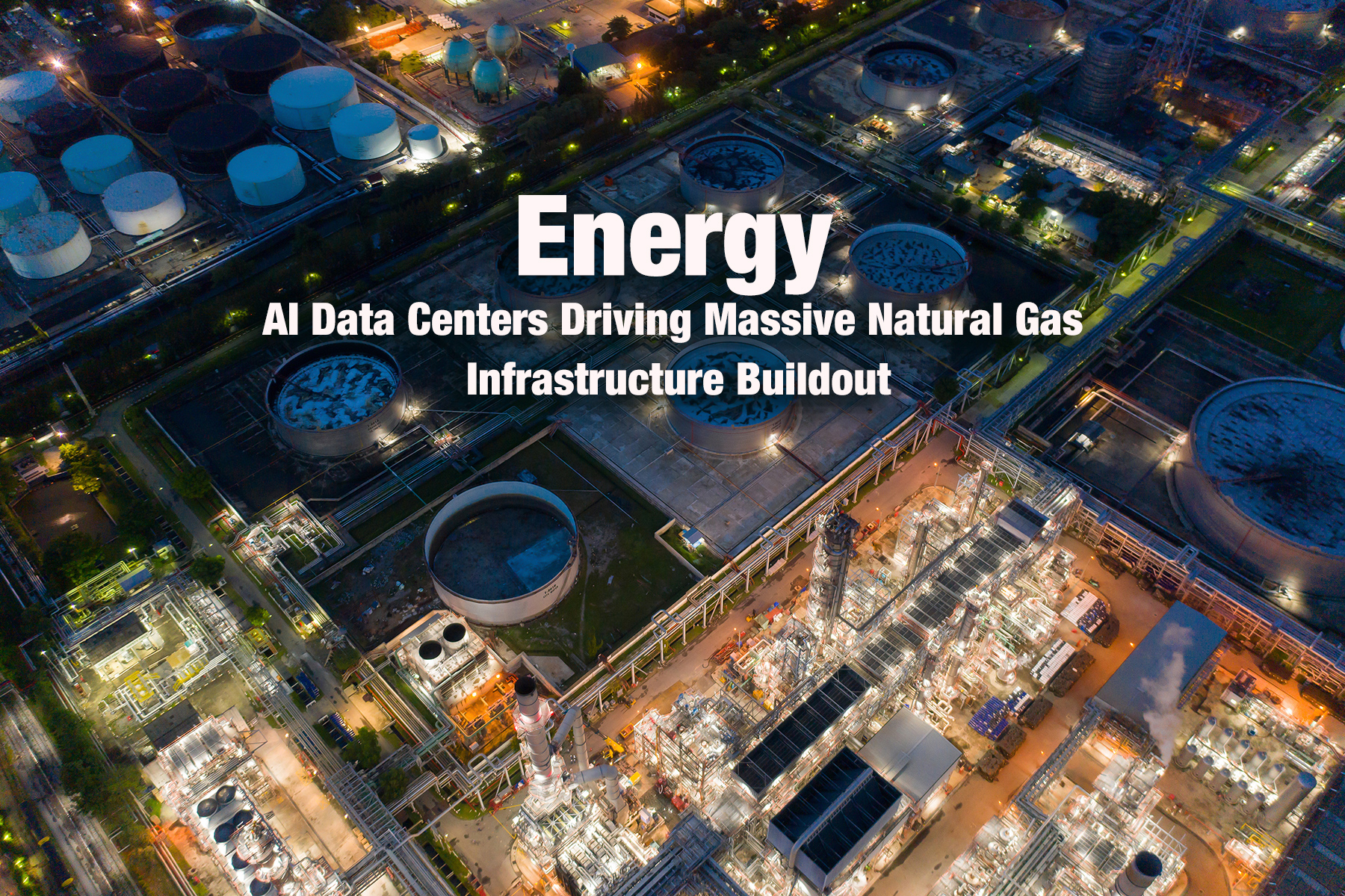
Energy: AI Data Centers Driving Massive Natural Gas Infrastructure Buildout
AI companies are constructing enormous natural gas power plants to meet the exploding energy demands of data centers, raising environmental and climate concerns.
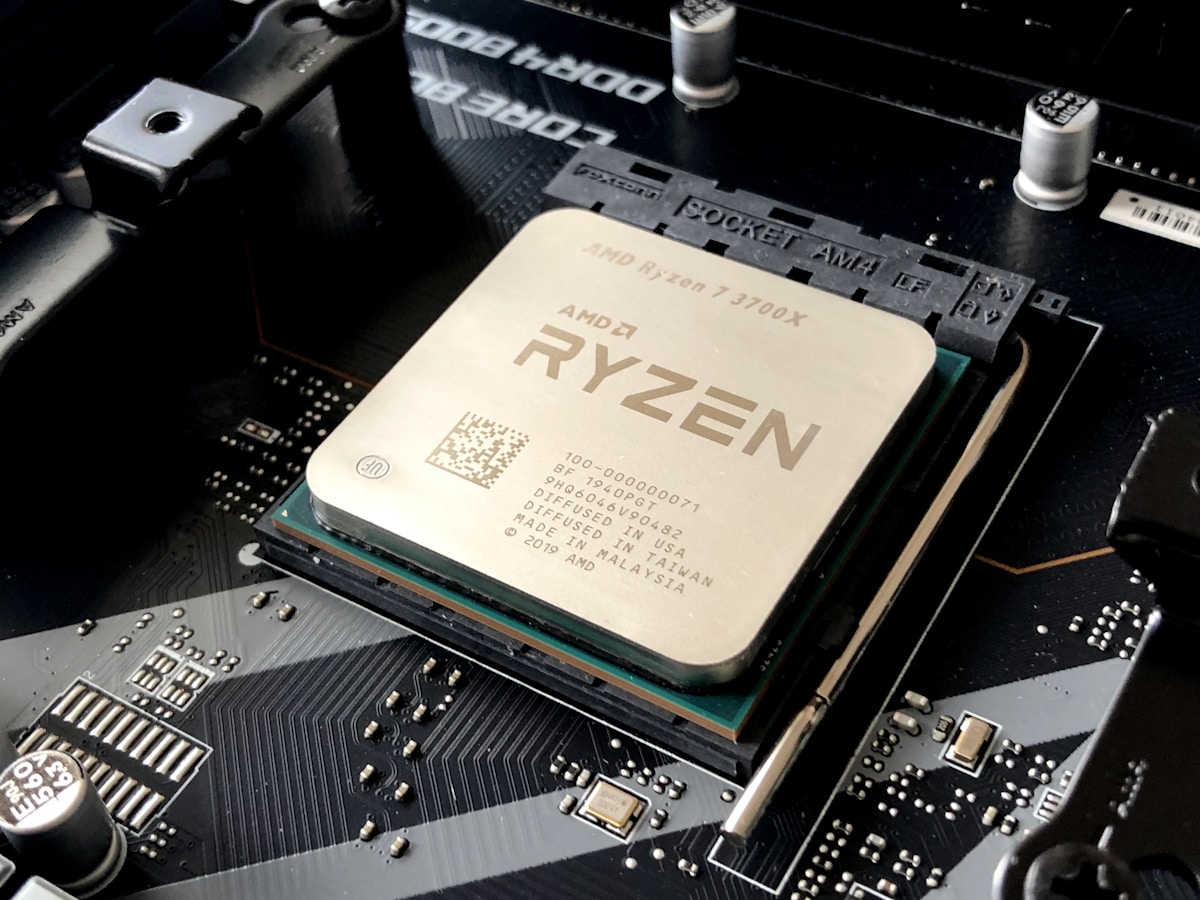
NVIDIA Blackwell Dominance: 80% Market Share and the AI Chip Race
NVIDIA maintains iron grip on AI accelerator market with 80% share while Blackwell architecture powers the AI factory era