
MCP Protocol in Action: Quick Start Guide to Model Context Protocol
Deep dive into Model Context Protocol - learn to securely connect external tools and data sources in AI application development with this comprehensive guide.
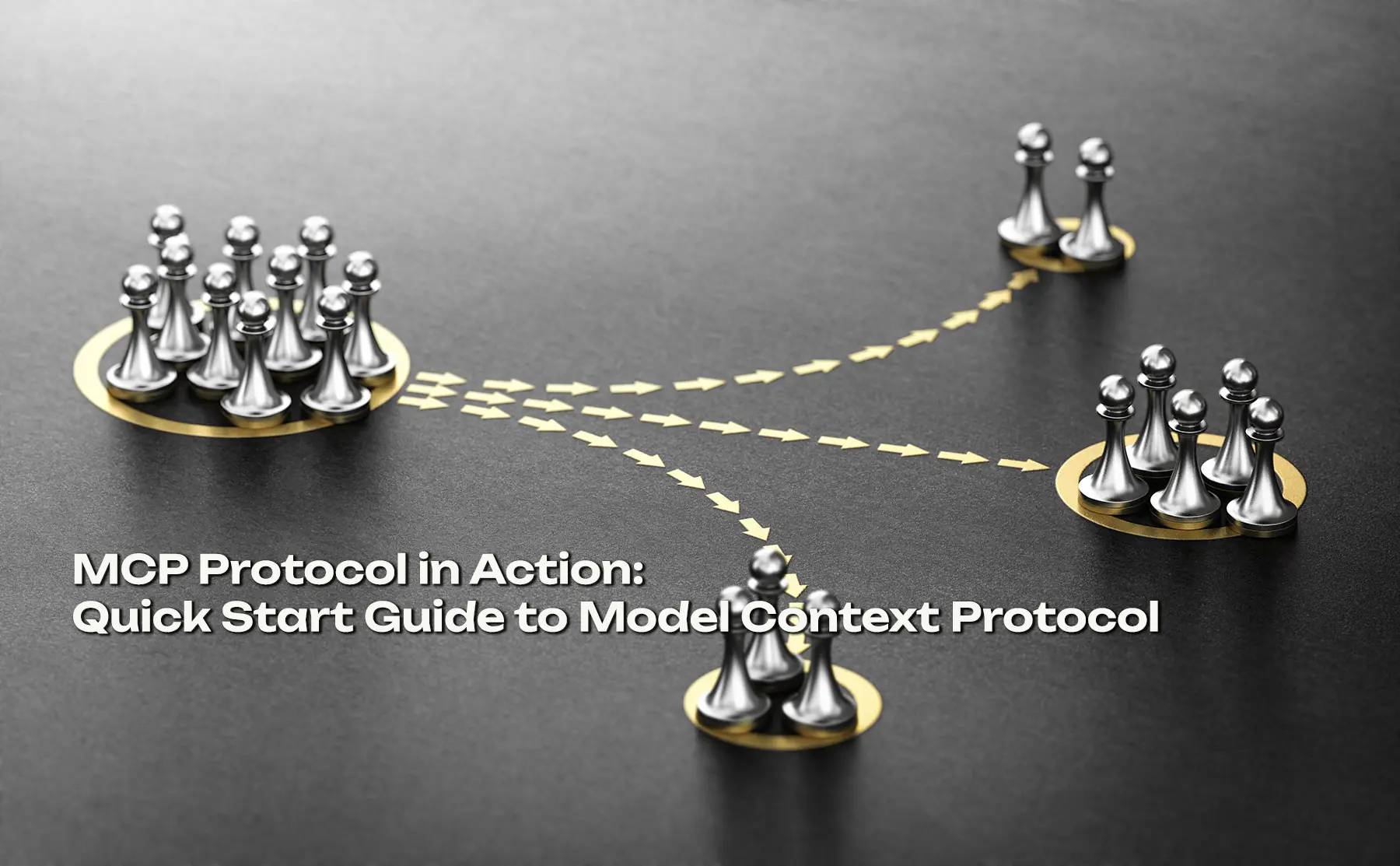
MCP (Model Context Protocol) is solving one of the biggest challenges in AI application development: how to let AI models safely access the external world. Every team used to reinvent the wheel with custom tool integrations. MCP changes that.
Why MCP Matters
Traditional AI application code looks like this:
# Each tool requires separate custom integration
class MyAIApp:
    def __init__(self):
        self.github = GitHubAPI(token)
        self.slack = SlackAPI(token)
        self.filesystem = FileSystem()
        self.database = SQLDatabase()

    async def handle_request(self, request):
        # Every tool has a different API
        if "github" in request:
            return await self.github.get_repos()
        if "slack" in request:
            return await self.slack.send_message()
This approach creates tight coupling and makes adding new tools time-consuming.
MCP's core principle: write once, run anywhere. Tools become interchangeable, and developers can focus on business logic instead of reinventing integrations.
5-Minute Quick Start
Install MCP CLI
npm install -g @modelcontextprotocol/cli
Launch a Built-in Server
# Filesystem server (sandboxed for security)
npx @modelcontextprotocol/server-filesystem ~/projects
Use in Python
from mcp import Client

async def main():
    client = Client("claude")

    # Connect to MCP server
    await client.connect("filesystem", {
        "path": "/Users/aaron/projects"
    })

    # Unified calling method
    result = await client.call("filesystem", "read_file", {
        "path": "intro.md"
    })

    print(result)

if __name__ == "__main__":
    asyncio.run(main())
MCP Core Advantages
| Feature | Traditional Approach | MCP |
|---|---|---|
| Tool Integration | Custom per tool | Plug-and-play |
| Security | App-controlled | Protocol-level authorization |
| Portability | Coupled to app | Server reusable |
| Development Time | O(n) per tool | O(1) constant |
Practical Recommendations
For small projects under 1000 lines, use official MCP servers directly - no need for custom implementations.
For medium to large projects, use the FastMCP framework:
from fastmcp import FastMCP

mcp = FastMCP("my-agent")

@mcp.tool()
def analyze_code(file_path: str) -> dict:
    """Analyze code quality"""
    return {"score": 85, "issues": []}
Next Steps
- Try running an MCP server locally with your project
- Explore the official MCP Registry (mcp.so) for ready-made tools
- Identify which tools in your current project could be MCPified
MCP is still early in its evolution, but with support from Anthropic, Google, and OpenAI, it's becoming an industry standard. Learning MCP now will save significant development time in the future.
Related Articles
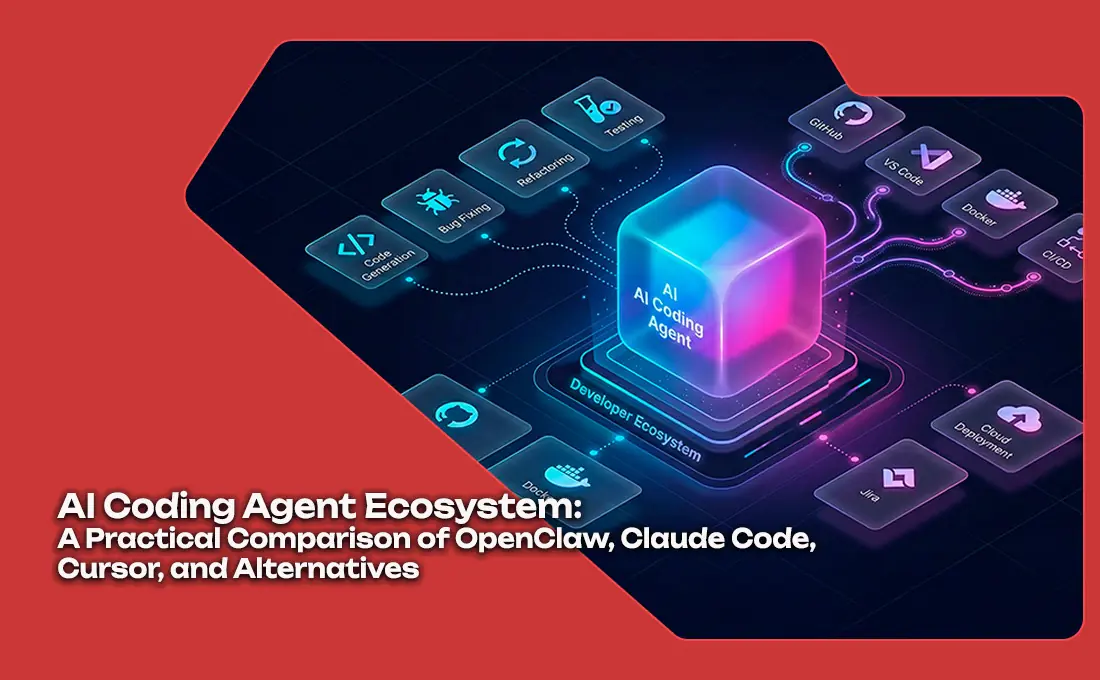
AI Coding Agent Ecosystem: A Practical Comparison of OpenClaw, Claude Code, Cursor, and Alternatives
A practical comparison of the leading AI coding agents in 2026, covering architecture, SWE-bench scores, pricing, and ideal use cases for each platform.

OpenClaw, Manus AI, and Claude Code – A Technical Decision Maker‘s Guide
In early 2026, AI agents have become core to enterprise digital transformation. But with options like OpenClaw (GUI automation), Manus AI (cloud orchestration), and Claude Code (developer copilot), how do you choose? This guide provides a systematic comparison and recommendations for eight key business scenarios, helping technical leaders avoid costly mistakes.
Claude vs GPT in 2026 - The AI Coding Assistant Battle Intensifies
As Anthropic's Claude Opus 4.6 challenges OpenAI's GPT-5.4 in coding benchmarks, the AI coding assistant market has become the most competitive segment in the AI industry. We analyze the technical and strategic differences.