
AI-Powered Developer Productivity: Real-World Patterns
Practical patterns for integrating AI into developer workflows, from code generation to testing to documentation, with measurable productivity gains.
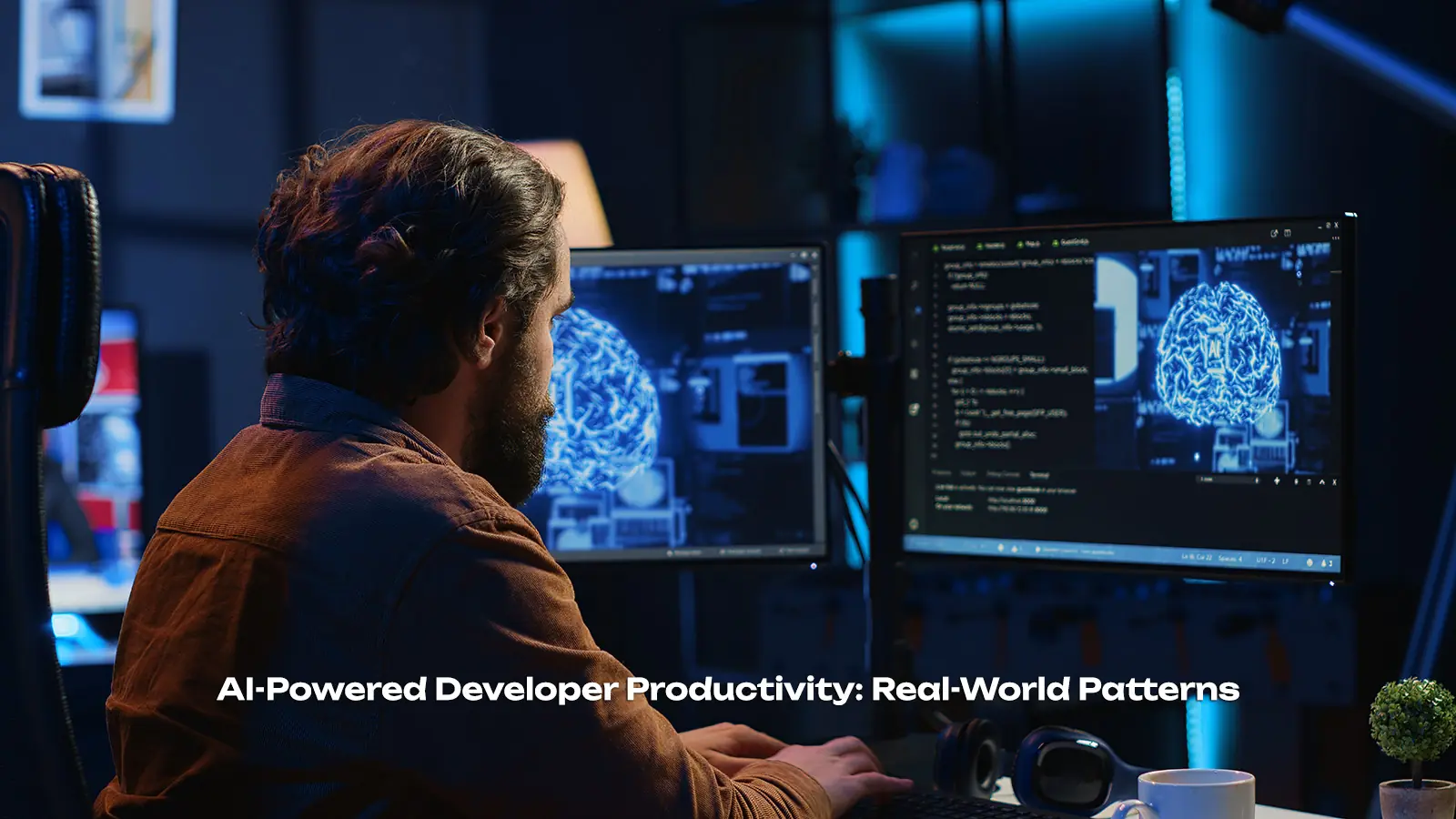
AI is transforming how developers work, but realizing productivity gains requires more than just having access to AI tools. This article presents practical patterns for integrating AI into developer workflows—patterns that have been validated through real-world usage and measured productivity improvements.
Introduction
The promise of AI-powered development is substantial: faster code writing, fewer bugs, better documentation, and more time for creative problem-solving. However, many teams struggle to realize these benefits in practice.
The challenge isn't AI capability—it's integration:
- Knowing when to use AI vs. when to write code manually
- Setting up workflows that amplify productivity
- Managing the learning curve
- Measuring results
This article provides proven patterns for AI-powered development that deliver measurable productivity gains.
Core Integration Patterns
Pattern 1: AI as First Draft
The most common pattern: AI generates initial code, human refines:
| Step | Action | Time Saved |
|---|---|---|
| 1 | Describe requirement to AI | - |
| 2 | AI generates draft code | 30-60 min |
| 3 | Human reviews and validates | 10-15 min |
| 4 | Human refines for production | 15-30 min |
| Net | Total | 55-105 min |
# Effective prompt for code generation
PROMPT = """Implement a function that:
1. Takes a list of transactions
2. Groups by date
3. Calculates daily totals
4. Returns sorted result

Use Python with type hints and handle empty input.
Include docstring with example usage."""

# Output from AI (first draft)
def process_transactions(transactions: list[dict]) -> list[dict]:
    """Process transactions and return daily totals.

    Args:
        transactions: List of {"date": str, "amount": float}

    Returns:
        List of {"date": str, "total": float} sorted by date
    """
    if not transactions:
        return []

    # Group by date
    daily = {}
    for t in transactions:
        date = t["date"]
        daily[date] = daily.get(date, 0) + t["amount"]

    # Convert to sorted list
    result = [
        {"date": date, "total": total}
        for date, total in daily.items()
    ]
    result.sort(key=lambda x: x["date"])

    return result
Pattern 2: Explaining Unknown Code
AI excels at explaining code you didn't write:
Developer: "Explain this function to me"
AI: "This is a bubble sort implementation that:
- Iterates n-1 times
- Compares adjacent elements
- Swaps if out of order
- Has O(n²) time complexity"
Typical time savings: 20-45 minutes per unfamiliar file
Pattern 3: Test Generation
Generating tests from existing code:
# AI-generated tests for existing function
def generate_tests(function):
    # Analyze function signature
    sig = inspect.signature(function)

    # Identify test cases
    test_cases = [
        {"input": get_default_args(sig), "expected": None},
        {"input": get_edge_cases(sig), "expected": EdgeCase},
    ]

    # Generate test code
    return format_as_tests(test_cases)

# Resulting test code
def test_process_transactions_empty():
    result = process_transactions([])
    assert result == []

def test_process_transactions_single():
    result = process_transactions([{"date": "2026-01-01", "amount": 100}])
    assert result == [{"date": "2026-01-01", "total": 100}]

def test_process_transactions_multiple_same_date():
    transactions = [
        {"date": "2026-01-01", "amount": 100},
        {"date": "2026-01-01", "amount": 50},
    ]
    result = process_transactions(transactions)
    assert result == [{"date": "2026-01-01", "total": 150}]
Pattern 4: Documentation Generation
From code to documentation:
| Documentation Type | Manual Time | AI Time | Net Savings |
|---|---|---|---|
| Function docstrings | 15-30 min | 2-3 min | 12-27 min |
| API documentation | 2-4 hours | 20-30 min | 1.5-3.5 hours |
| README files | 1-2 hours | 15-20 min | 45-100 min |
Pattern 5: Bug Investigation
Debugging with AI assistance:
# AI-powered debugging workflow
def investigate_bug(error_trace, code):
    # 1. Summarize error
    error_summary = ai.summarize(error_trace)

    # 2. Identify likely causes
    causes = ai.suggest_causes(error_summary, code)

    # 3. Propose fixes for each cause
    fixes = [ai.suggest_fix(cause, code) for cause in causes]

    return DebugReport(
        error_summary=error_summary,
        likely_causes=causes,
        proposed_fixes=fixes
    )
Workflow Integration
Daily Development Cycle
Morning: AI for context building
├─ Summarize recent commits
├─ Explain files to catch up
└─ Review AI-generated docs

Coding: AI as pair programmer
├─ Generate first drafts
├─ Request explanations
└─ Auto-generate tests

End of Day: AI for cleanup
├─ Generate documentation
├─ Write commit messages
└─ Summarize progress
Task-Specific Patterns
| Task | Best AI Pattern | Effectiveness |
|---|---|---|
| New Feature Development | First draft | High |
| Bug fixing | Bug investigation | Very high |
| Code Review | Summary + suggestions | Medium |
| Documentation | Auto-generation | High |
| Test Writing | Test generation | Very high |
| Code Refactoring | Explanation + generation | Medium |
Measuring Productivity
Key Metrics
| Metric | Measurement | Target |
|---|---|---|
| Code completion rate | Features per sprint | +20-40% |
| Bug discovery time | Time from introduce to find | -30-50% |
| Documentation coverage | % documented functions | >90% |
| Test coverage | % covered functions | >80% |
Indirect Benefits
| Benefit | Indicator |
|---|---|
| Reduced frustration | Developer satisfaction score |
| Better code quality | Bug density |
| Faster onboarding | Time to first commit |
| More creative work | % time on novel problems |
Best Practices
Effective AI Collaboration
- Be specific: Clear requirements produce better code
- Iterate quickly: First draft → refinement beats perfect prompt
- Validate always: AI makes mistakes, review everything
- Build context: Give AI relevant background
Anti-Patterns to Avoid
| Anti-Pattern | Problem | Better Approach |
|---|---|---|
| Blind copy-paste | Unchecked bugs | Review first |
| Vague prompts | Wrong output | Be specific |
| No context | Irrelevant code | Provide background |
| Skip testing | Hidden bugs | Always test |
Team Guidelines
TEAM_GUIDELINES = {
    "when_to_use_ai": [
        "Boilerplate code generation",
        "Test creation",
        "Documentation",
        "Explaining unfamiliar code"
    ],
    "when_not_to_use_ai": [
        "Security-critical code",
        "Complex business logic",
        "Performance optimization",
        "When uncertain"
    ],
    "always_do": [
        "Review AI-generated code",
        "Run tests",
        "Understand what AI wrote",
        "Take responsibility"
    ]
}
Implementation Guide
Getting Started
| Week | Focus | Actions |
|---|---|---|
| 1 | Exploration | Try AI on non-critical tasks |
| 2 | Integration | Use AI for one workflow |
| 3 | Expansion | Apply to more workflows |
| 4 | Optimization | Refine patterns |
Scaling Patterns
After initial adoption:
- Share learnings: Document what works
- Create templates: Reuse effective prompts
- Build tooling: Integrate into IDE
- Measure impact: Track productivity metrics
Conclusion
AI-powered development isn't about replacing developers—it's about amplifying their capabilities. By integrating AI thoughtfully into workflows, teams can:
- Write code faster: First drafts in seconds instead of hours
- Find bugs quicker: AI-assisted investigation
- Document better: Automated documentation
- Focus on what matters: Creative problem-solving
The key is starting small, measuring results, and iterating based on what works in your specific context. Every team's workflow is different, but the patterns in this article provide a foundation for finding what works for you.
The developers who embrace AI as a productivity partner—not a replacement—will be the ones who deliver the most value.
Related Articles
Anthropic's Explosive Growth: How Claude AI Surpassed OpenAI Revenue
Anthropic's CEO announces potential 80x growth in 2026, signaling a dramatic shift in the AI competitive landscape as Claude AI challenges OpenAI's market dominance.
AI Trends 2026: The Technologies Shaping Tomorrow
An in-depth analysis of the most significant AI trends driving innovation and transformation in 2026 and beyond.
Meta AI Employee Concerns: The Human Cost of Rapid AI Deployment
An examination of employee sentiment at Meta regarding AI implementation and the broader implications for tech workforce wellbeing in the age of rapid AI deployment.