
AI Code Editors: How Intelligent IDEs Are Changing Software Development
Explore how AI-powered code editors like Cursor and Windsurf are transforming developer productivity with intelligent autocompletion, refactoring, and debugging features.
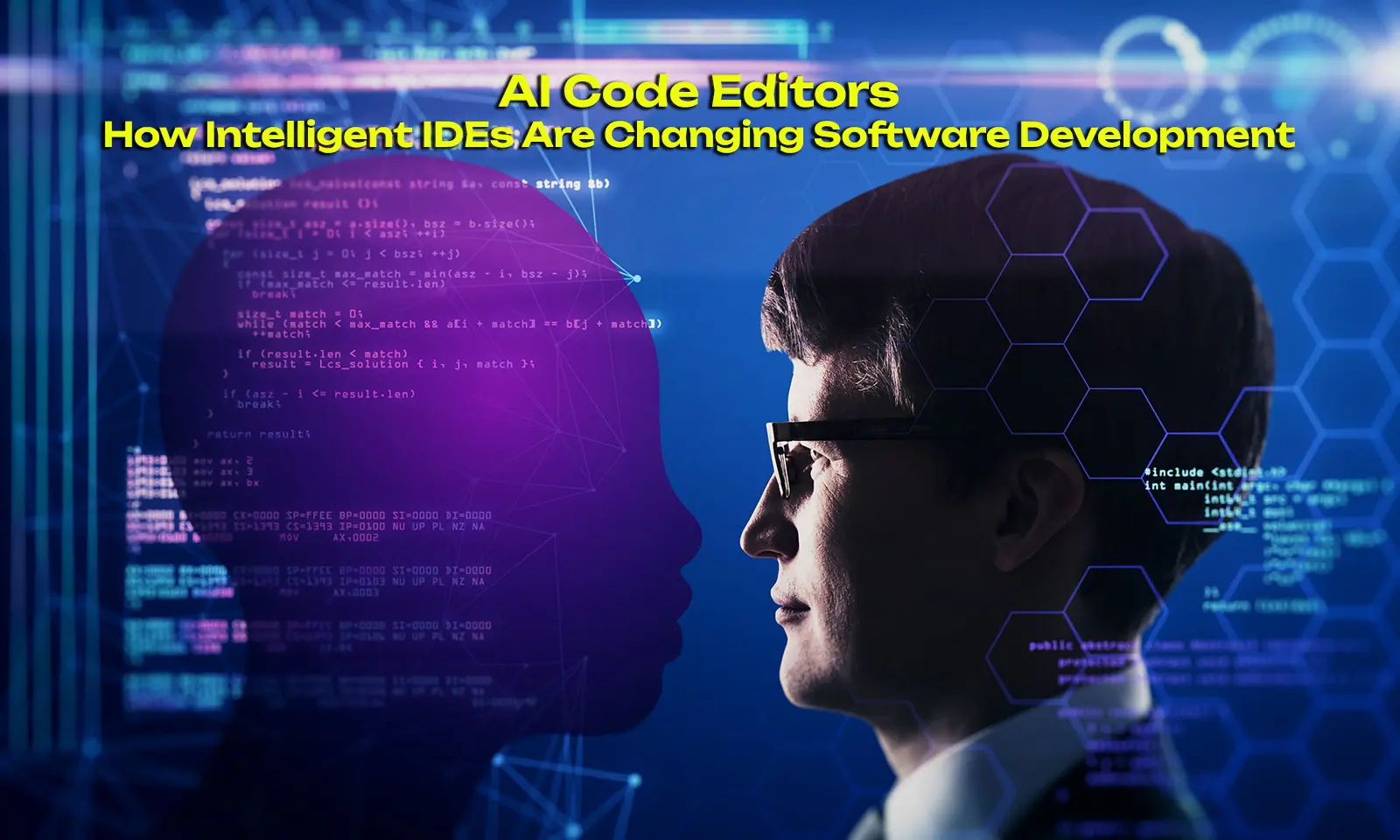
The landscape of software development is experiencing a fundamental shift with the emergence of AI-powered code editors. These intelligent integrated development environments (IDEs) go beyond traditional autocompletion, offering features like natural language code generation, automated refactoring, intelligent debugging, and context-aware suggestions. This article examines the leading AI code editors, their underlying technologies, and how they're reshaping developer productivity and the software development lifecycle.
Introduction
Traditional code editors have served developers well for decades, providing syntax highlighting, basic autocompletion, and error detection. However, the integration of artificial intelligence has transformed these tools into intelligent partners that understand code semantics, predict developer intentions, and actively assist in the development process. AI code editors represent a new category of developer tools that leverage large language models to provide unprecedented coding assistance.
This transformation began with basic autocomplete features but has evolved into sophisticated systems capable of generating entire functions, explaining complex codebases, and even debugging issues proactively. The impact on developer productivity has been substantial, with many developers reporting significant time savings and reduced cognitive load.
The Evolution of AI Code Editors
From Autocomplete to Intelligent Assistance
The journey from traditional autocompletion to AI-powered coding assistants spans several key milestones:
| Era | Technology | Key Features |
|---|---|---|
| 2000s | Basic autocomplete | Keyword matching, simple suggestions |
| 2010s | IDE intelligent completion | Context-aware suggestions, basic refactoring |
| 2020s | AI-powered completion | LLM integration, natural language input |
| 2024-2026 | Full AI IDE | Multi-file context, autonomous refactoring, debugging |
Modern AI code editors now incorporate multiple AI capabilities that work together to provide a seamless development experience. These systems can understand entire codebases, not just the current file, enabling more accurate and contextually appropriate suggestions.
Leading AI Code Editors in 2026
Cursor
Cursor has emerged as one of the most popular AI-first code editors, built on top of Visual Studio Code but with deep AI integration. Its key features include:
- Chat mode: Interact with AI about your codebase using natural language
- Edit mode: Make targeted changes across multiple files with inline instructions
- Autocomplete++: Context-aware code generation that understands your project structure
- Cmd K: Inline AI assistance triggered by keyboard shortcuts
Cursor's approach prioritizes developer control, with AI suggestions that require explicit acceptance rather than autonomous action.
Windsurf
Windsurf, developed by Codeium, represents a different philosophy—AI as an autonomous teammate. Its distinguishing features include:
- Flows: Autonomous AI agents that can complete multi-step tasks
- Cascade: Real-time contextual awareness across the entire development session
- Terminal integration: AI assistance extends to command-line operations
- Multi-file editing: Autonomous changes across multiple files with human oversight
VS Code with AI Extensions
Microsoft has integrated AI capabilities directly into Visual Studio Code through various extensions and native features:
- GitHub Copilot: Inline code completion and generation
- Copilot Chat: Conversational AI assistance within the IDE
- Copilot Edits: Autonomous multi-file editing capabilities
The ecosystem approach allows developers to choose their preferred level of AI integration while maintaining extensibility.
Core AI Features in Modern Code Editors
Natural Language to Code
One of the most impactful features is the ability to describe code functionality in natural language and have AI generate the implementation:
User: "Create a function that fetches user data from the API
       and caches it for 5 minutes"

AI generates:
```python
import functools
import time
import requests
from typing import Optional, Dict

_cache: Dict[str, tuple] = {}

def cache_user_data(ttl_seconds: int = 300):
    """Cache decorator for user data with TTL."""
    def decorator(func):
        @functools.wraps(func)
        def wrapper(user_id: str) -> Optional[Dict]:
            current_time = time.time()
            if user_id in _cache:
                data, timestamp = _cache[user_id]
                if current_time - timestamp < ttl_seconds:
                    return data

            result = func(user_id)
            _cache[user_id] = (result, current_time)
            return result
        return wrapper
    return decorator

@cache_user_data(ttl_seconds=300)
def fetch_user_data(user_id: str) -> Dict:
    response = requests.get(f"/api/users/{user_id}")
    response.raise_for_status()
    return response.json()
This capability dramatically reduces the time required to implement common patterns, allowing developers to focus on unique business logic.
Intelligent Refactoring
AI code editors excel at automated refactoring tasks that would otherwise be time-consuming and error-prone:
- Extract to function: Identify repeated code patterns and extract them into reusable functions
- Rename across files: Safely rename variables, functions, or classes throughout a codebase
- Modernize syntax: Update code to use newer language features
- Optimize performance: Identify and address performance bottlenecks
Debugging Assistance
Beyond code generation, AI editors provide sophisticated debugging capabilities:
- Root cause analysis: Analyze error messages and suggest potential fixes
- Log interpretation: Explain complex error traces in plain language
- Test generation: Automatically create tests for functions
- Regression detection: Identify potential breaking changes before they're committed
Comparative Analysis of AI Code Editors
| Feature | Cursor | Windsurf | VS Code + Copilot |
|---|---|---|---|
| AI Philosophy | Human-in-the-loop | Autonomous teammate | Hybrid |
| Context Window | Project-wide | Session-wide | File-wide |
| Edit Capability | Inline + Chat | Autonomous flows | Inline + Chat |
| Terminal AI | Limited | Full integration | Via extensions |
| Pricing | Free + Pro | Free + Pro | Free + Copilot Business |
| Model Access | GPT-4, Claude | Custom + GPT | GPT-4 via OpenAI |
The choice between these tools often comes down to workflow preferences. Developers who want explicit control may prefer Cursor's approach, while those who want autonomous assistance might gravitate toward Windsurf.
Impact on Developer Productivity
Quantitative Improvements
Studies and developer surveys indicate significant productivity gains:
| Metric | Improvement |
|---|---|
| Code completion speed | 30-50% faster |
| Boilerplate code time | 60-80% reduction |
| Documentation writing | 40-70% time savings |
| Bug detection | 25-40% more bugs caught pre-commit |
| Onboarding new developers | 30-50% faster |
These improvements compound over time, with the most significant gains in larger codebases where traditional navigation and comprehension become challenges.
Qualitative Changes
Beyond quantitative metrics, AI code editors have enabled new working patterns:
- Faster experimentation: Quicker iteration cycles enable more exploration
- Focus on architecture: Less time on boilerplate, more on design decisions
- Reduced context switching: AI handles cross-file references internally
- Improved code quality: Automated suggestions often follow best practices
Best Practices for AI-Assisted Development
Effective Prompts
The quality of AI assistance heavily depends on how developers interact with the system:
Effective approach:
- Be specific about the desired outcome
- Provide context about the existing codebase
- Break complex tasks into smaller steps
- Review and understand AI suggestions before accepting
Less effective approach:
- Vague requests without context
- Accepting suggestions without review
- Using AI for critical security code without audit
- Relying entirely on AI for domain logic
Workflow Integration
Integrating AI editors effectively requires understanding when to leverage AI assistance:
| Task Type | AI Suitability | Notes |
|---|---|---|
| Boilerplate code | High | Safe automation |
| Business logic | Medium | Requires domain knowledge |
| Security-critical code | Low | Needs expert review |
| Documentation | High | AI excels at generation |
| Debugging | Medium | Suggestion, not definitive |
| Refactoring | High | When changing patterns |
The Future of AI Code Editors
Emerging Capabilities
The trajectory of AI code editors points toward several exciting developments:
- Longer context windows: Understanding entire repositories natively
- Multi-modal input: Voice and gesture-based coding assistance
- Autonomous agents: AI that can handle entire feature development
- Real-time collaboration: AI pairing with developers in real-time
- Cross-repository understanding: AI that understands dependency relationships
Challenges and Considerations
Despite the progress, several challenges remain:
- Security concerns: Sensitive code transmitted to external AI services
- Accuracy limitations: AI can generate incorrect or insecure code
- Learning curve: Developers must learn new interaction patterns
- Dependency risk: Over-reliance on specific AI tools
Conclusion
AI code editors represent a fundamental shift in software development tooling. From basic autocomplete to intelligent partners, these tools have evolved to understand code semantics, predict developer intentions, and actively assist in the development process. The productivity gains are substantial, though they come with the responsibility of understanding when to leverage AI and when to rely on human expertise.
The key to maximizing the benefits of AI code editors lies in understanding their strengths and limitations. They excel at boilerplate code, documentation, and pattern-based refactoring, but require human oversight for domain logic and security-critical code. As these tools continue to evolve, developers who master the art of effective AI collaboration will find themselves significantly more productive than those who resist the change.
The future of software development is collaborative—humans and AI working together, each leveraging their respective strengths. AI code editors are not replacing developers; they're amplifying their capabilities and allowing them to focus on what truly matters: solving problems and creating value.
Related Articles

Adobe Firefly 2026: The Generative AI Revolution in Creative Cloud
How Adobe's Firefly integrates with Creative Cloud to transform creative workflows with unlimited generative AI
AI Perception Systems in Autonomous Vehicles: How Cars See the World
A technical breakdown of how AI powers perception in autonomous vehicles — covering LiDAR, camera fusion, object detection, sensor fusion, and the real-time processing pipeline that lets self-driving cars understand their environment.
AI in Human Resources: Smart Talent Management
How artificial intelligence is transforming human resources from administrative function to strategic partner, enabling smarter recruiting, development, and workforce management.